Your Fantasy, Their Creation
Request custom videos from your favorite Clips4Sale creators. Describe your perfect scene, negotiate directly, and get exclusive content made just for you.
C4S Customs: https://customs.clips4sale.com/
Here's How It Works
You can open the Studio Custom Video Request form (e.g., https://customs.clips4sale.com/STUDIOID - replace the STUDIO ID with the actual studio number/ID) and log into your Customer/User Account.
Note: Each creator can personalize their form, so the fields, options, and pricing you see may vary. |
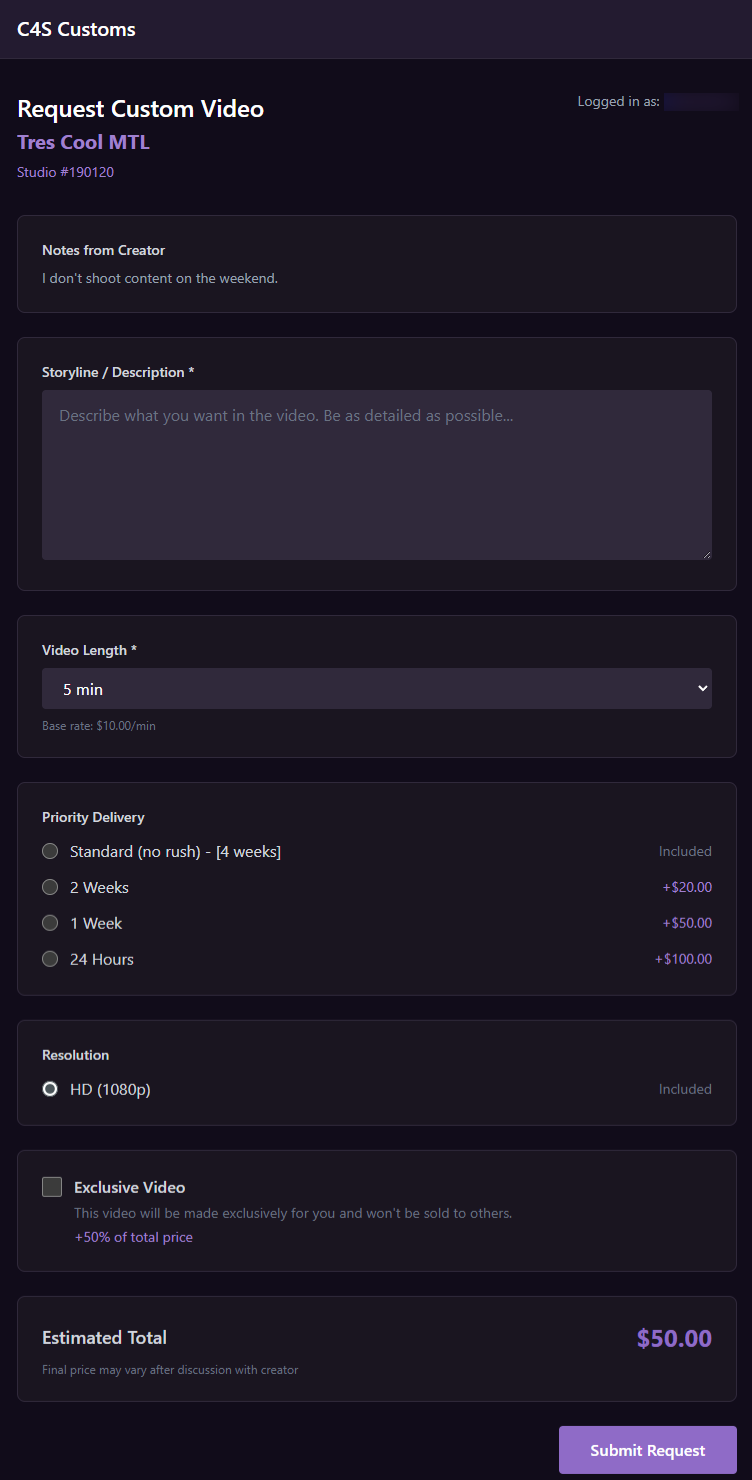
On the custom video form, you will:
Enter your storyline or description
Choose the video length (in 5-minute increments starting at 5 minutes)
Select your delivery priority:
- Standard (no rush – 4 weeks) included in the price
- 2-week / 1-week / 24-hour priority options
- Select your clip resolution (HD and/or 4K, if offered)
- Choose video exclusivity (if offered)
The total price will be automatically generated based on your selections.
After you submit your request, it will go to the Compliance Moderation Team for review.
Once approved, the creator will receive your request and contact you via Chat to finalize all details.
When you and the creator agree on the final details, you will pay for the custom video. A yellow “Payment Required” banner will appear in your chat with a PAY NOW button that takes you to your custom video requests, where you can review and pay for the request.
Production begins after your payment is received.
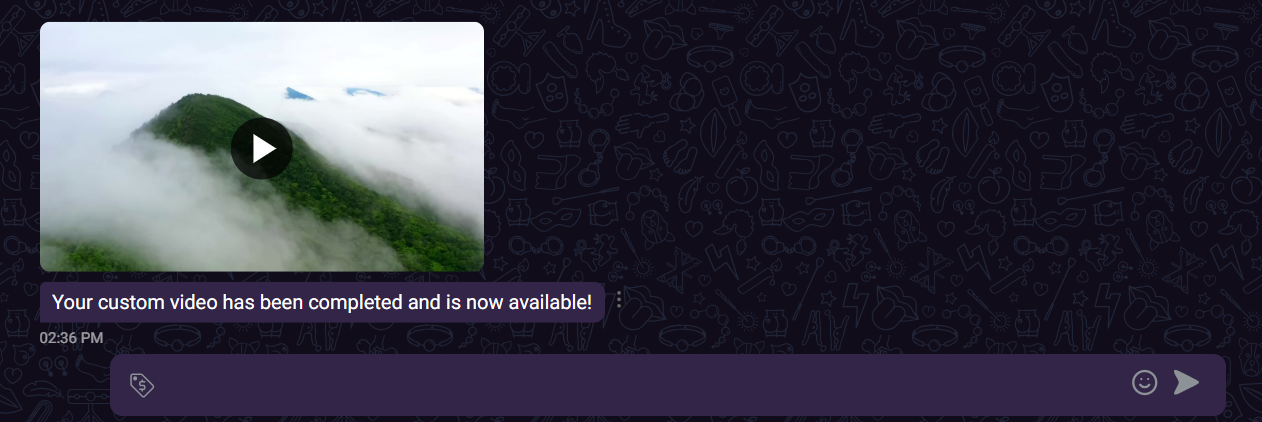
After the clip is completed, the creator uploads and submits the clip for Content Moderation's approval. Once it's approved, the clip will be delivered to you via chat.
Custom Clip Lifecycle
You can track your custom clip from start to finish on the C4S Customs Tracking Page: customs.clips4sale.com
Submitted → With Creator → Payment → Production → Delivered
Each stage shows you the current status of your custom clip:
- Submitted – You have submitted your custom clip request.
- With Creator – Your request has been sent to the creator for review and acceptance.
- Payment – You need to complete payment before production can begin.
- Production – Your payment has been received and the creator is working on your custom clip.
- Delivered – Your custom clip is complete and has been delivered to you.
You can also track an individual custom clip using its unique tracking link. The link follows this format: customs.clips4sale.com/[StudioID]/[CustomJobID].
Related Article(s):